Reading tracks
Look at a print through the Tracker Goggles to learn the species, its age, its condition and how the creature was moving.
With the Tracker Goggles on, look briefly at a print within six blocks. A short line of text names what you are looking at.
The reading
Section titled “The reading”The reading has four parts, in this order:
Wolf • Recent • Weathered • Running
| Part | What it tells you | Possible words |
|---|---|---|
| Species | What made the print | The creature’s name |
| Age | How long ago it was made | Fresh, Recent, Old |
| Condition | How worn the print is | Clear, Weathered, Faint |
| Gait | How the creature was moving | Walking, Running, Landed |
If the trail runs out and there is no evidence of where it went next, the goggles say No continuation visible.
Age and condition are different
Section titled “Age and condition are different”Age is how long ago the print was made. At the default ten-minute lifetime a print is fresh for its first two minutes, recent until seven minutes, then old. On a server with a different lifetime the same split holds: fresh for the first 20% of the dry lifetime, recent until 70%.
Condition is how worn the print is: weathered from 35% wear, faint from 70%. Rain or snow falling on a print wears it twice as fast, so a print can be recent but already faint. A print under cover ages normally. Weather never changes a print’s age.
Crouched prints wear twice as fast and are gone at half the dry lifetime, so they never read Old. See Movement.
The server works out every print’s age and wear; your game only shows them.
Choosing a trail
Section titled “Choosing a trail”You never pick a trail by hand. The goggles focus on the track under your crosshair.
- Glance between prints freely: a one-second grace keeps the same trail in focus.
- Look at another trail for 0.3 seconds to switch focus to it.
- Only the focused trail shows its scent line.
There is no filter key, no filter cycle and no lock button. The reading works up to six blocks away, and something solid between you and the print blocks it.
Colours
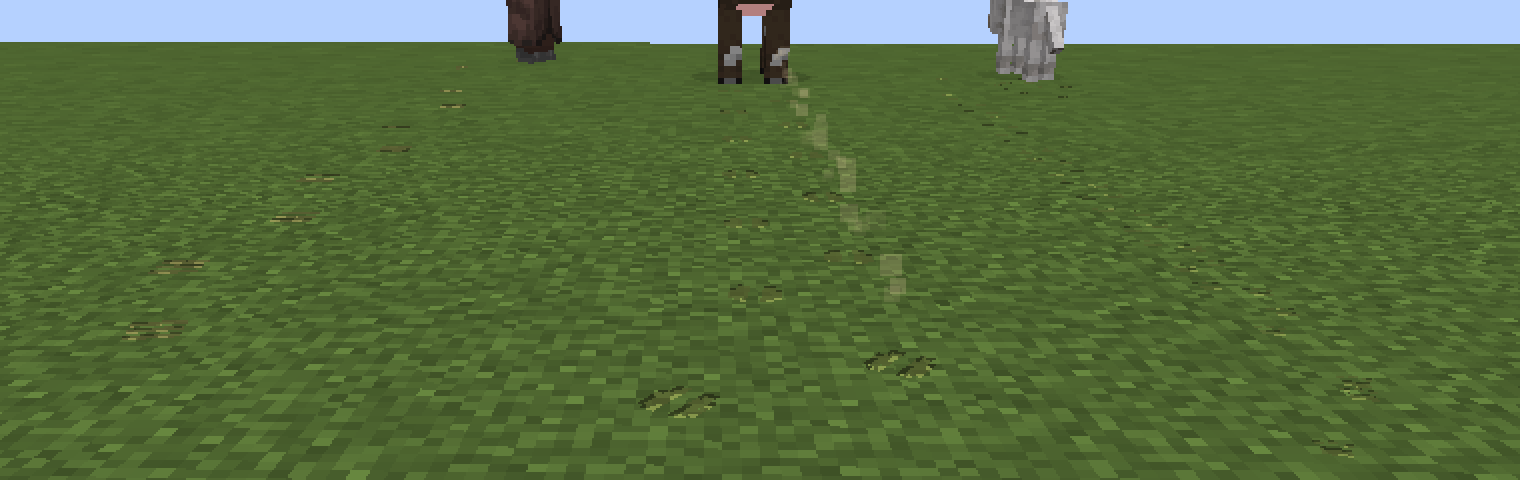
Section titled “Colours”Without goggles, prints are shaded like the ground they are on and take normal world light. Through the goggles, each track takes the tint of its category:
- Animals: amber
- Mobs: coral
- Players: blue
Prints also glow through the goggles: clear prints brighter, faint prints dimmer. That makes a trail easier to follow at night.
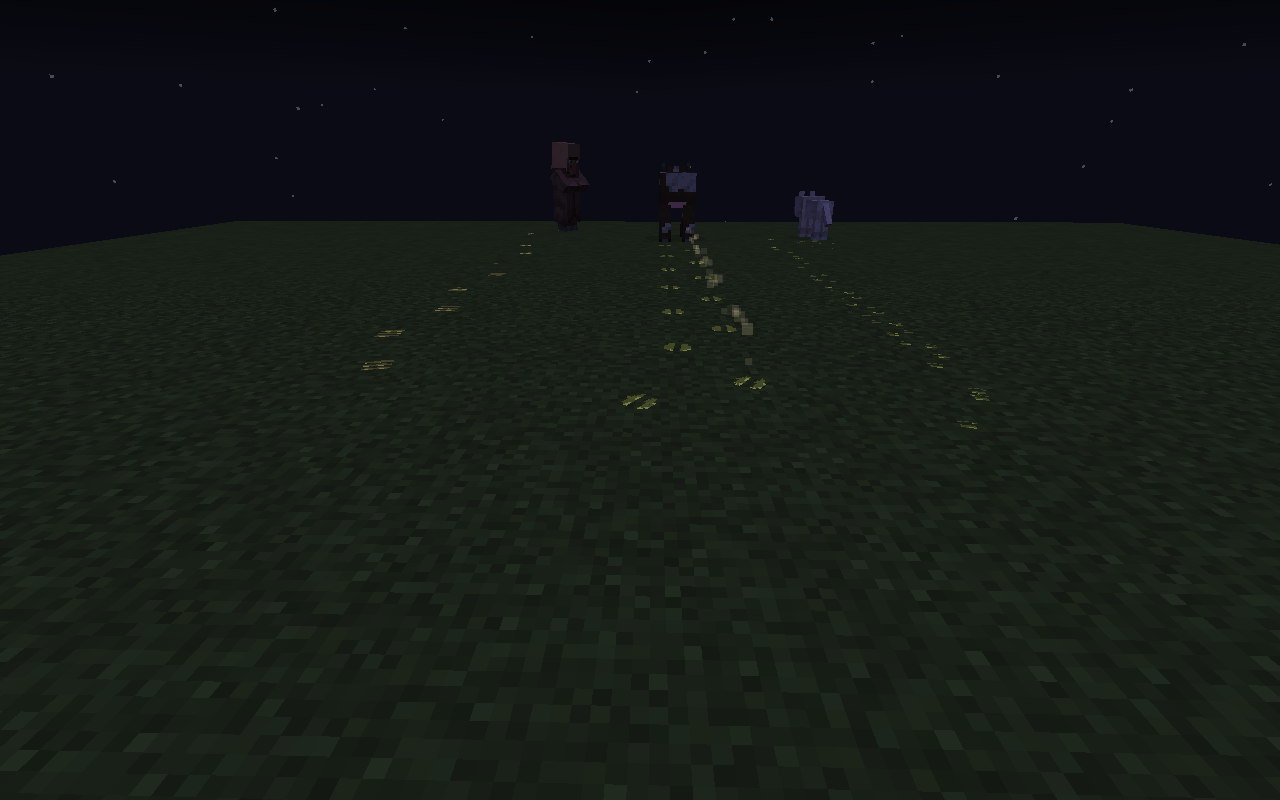
You can change all three colours in the client settings. See Configuration.
Reading the spacing
Section titled “Reading the spacing”Spacing tells a story even without goggles. Running spreads the prints out, crouching leaves lighter ones, and a drop of two blocks or more leaves a landing mark with every foot. See Movement.